All Posts
Browse all blog posts
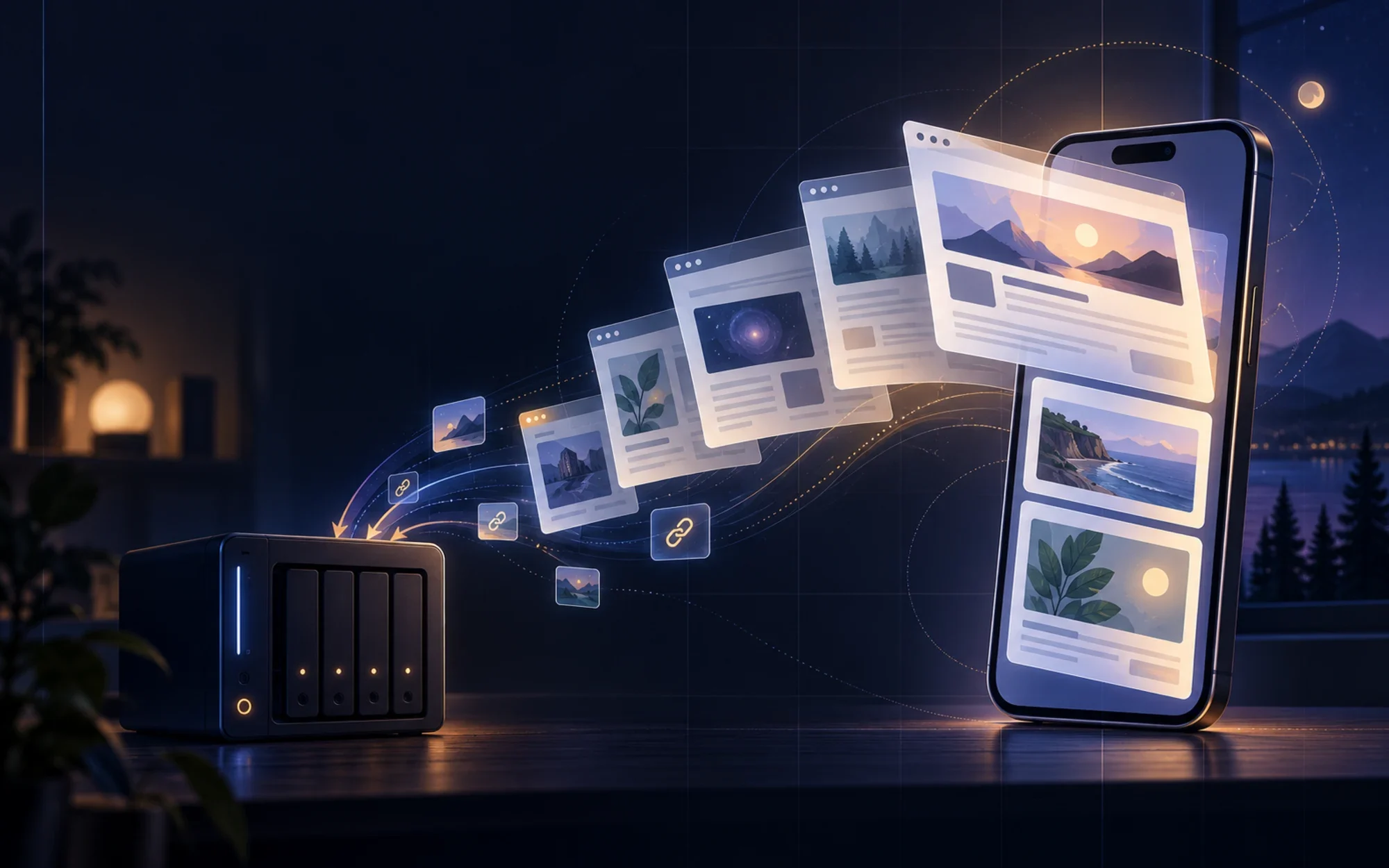
ArchiveBox for iPhone: Save the Web to Your Own Archive
ArchiveBox for iOS sends links from your iPhone or iPad to an ArchiveBox server you control. Learn how sharing, snapshots, personas, privacy, server requirements, and the official TestFlight beta fit together.
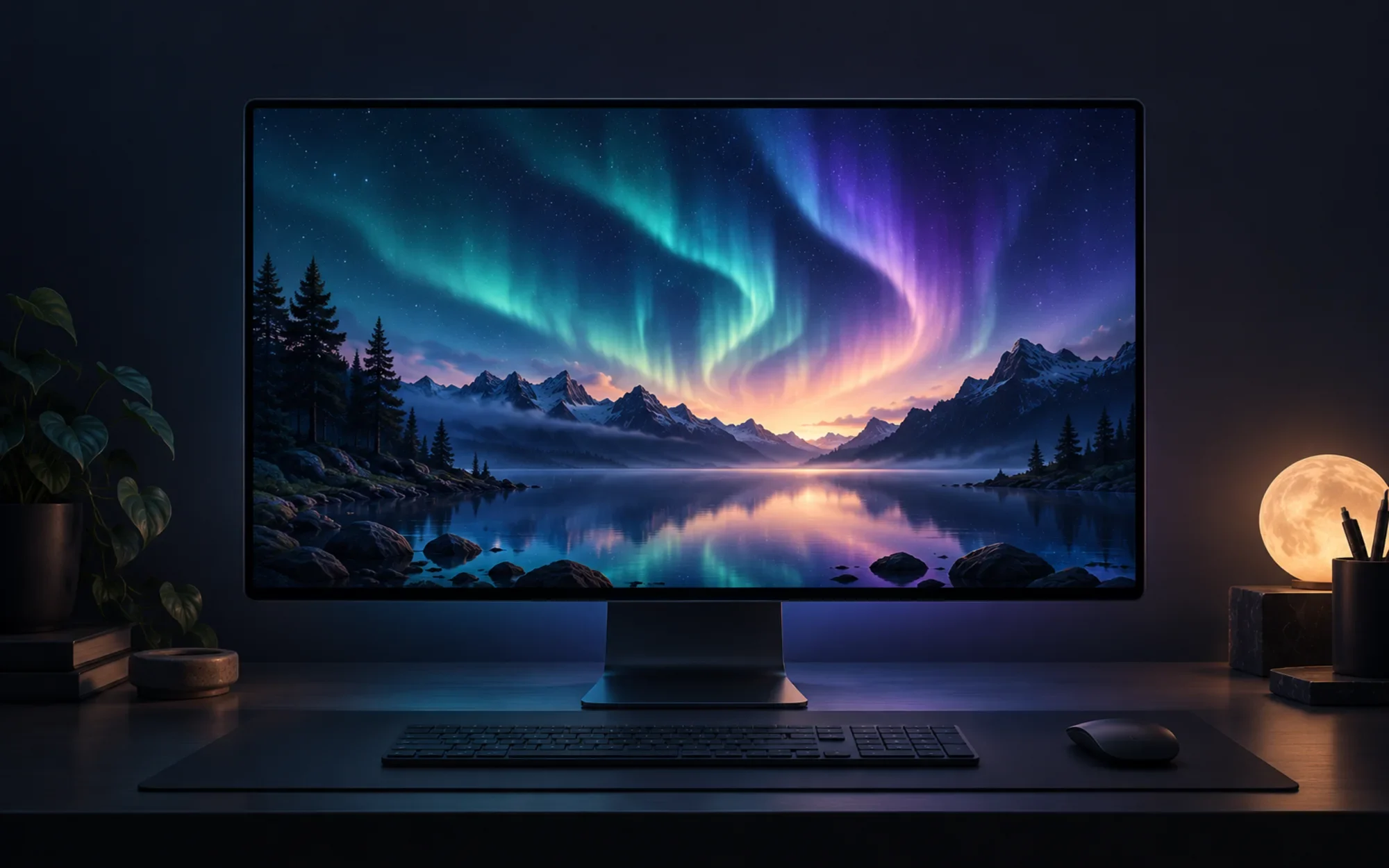
WallpaperMachine: Bring Live Wallpapers to Your Mac
WallpaperMachine brings many Wallpaper Engine scene, video, and web wallpapers to macOS. See what works, how Workshop downloads and multi-display playback behave, and the important caveat in the project’s own release and licensing notes.
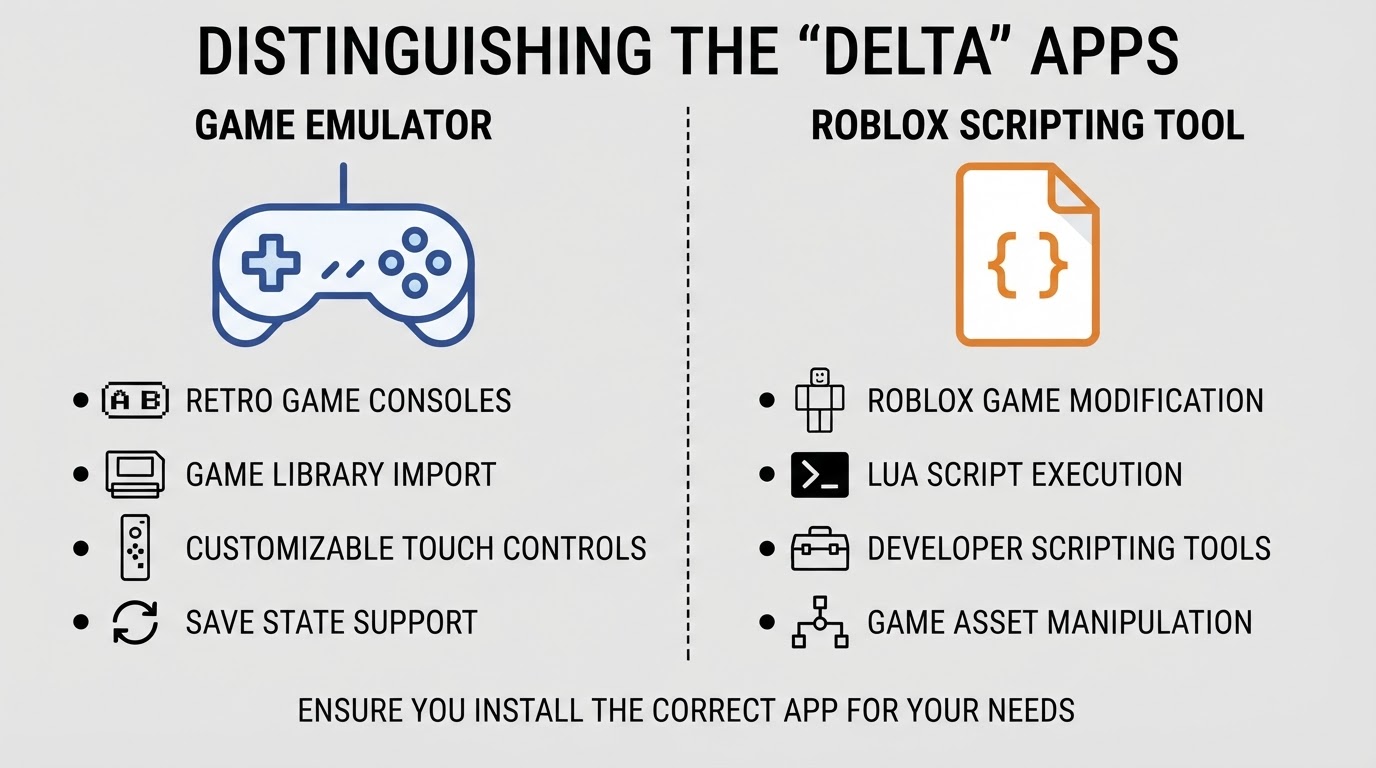
Delta iOS: Install the Emulator on iPhone and Play Classic Games
Delta installs from the App Store in minutes; what makes it playable is picking the right listing, bringing a game file you are allowed to use, and choosing a control scheme.

Paintbrush for Mac: A Simple Open-Source Paint App for Quick Edits
Paintbrush is the open-source macos paintbrush app for quick touch-ups, fills, and crops — and deliberately not a tool for vector drawing or photo-grade retouching.
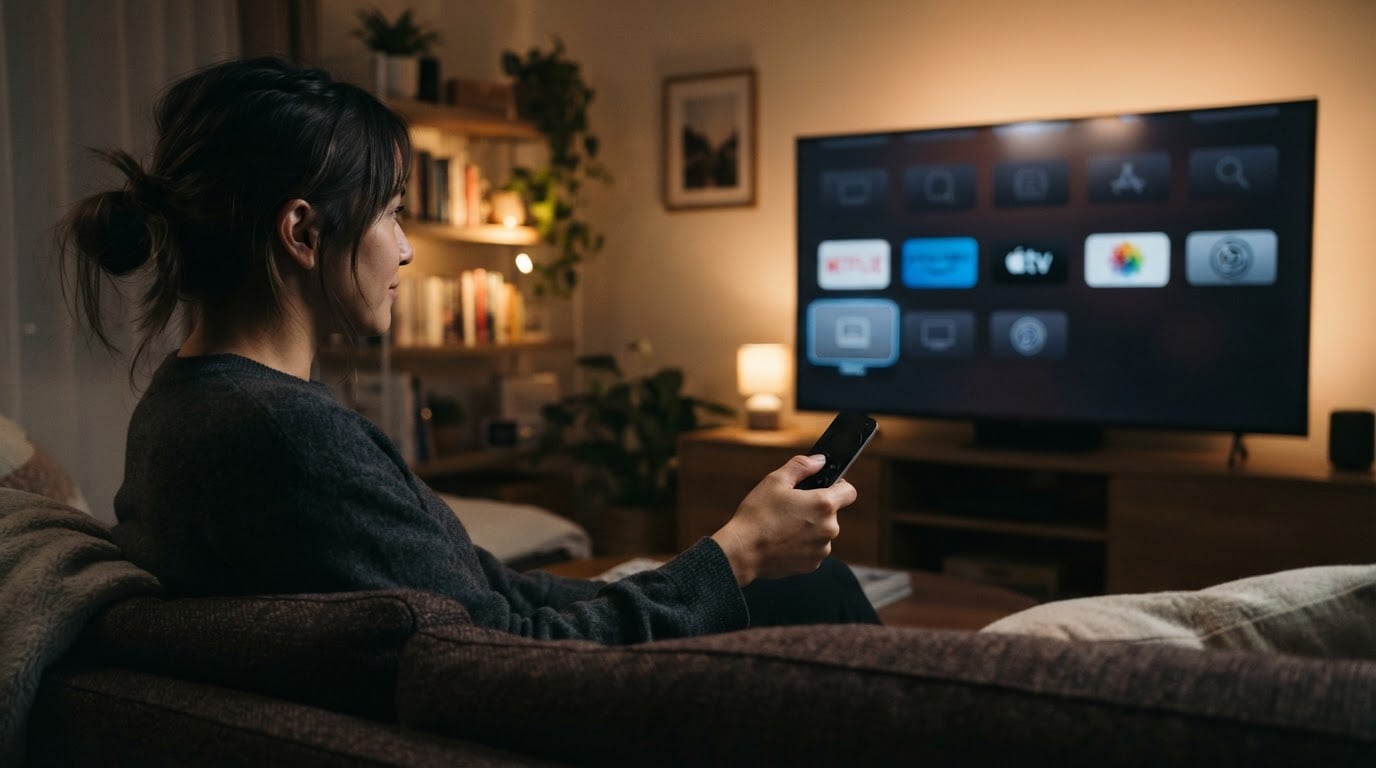
How to Delete Apps on Apple TV: Long-Press Steps and Checks
Here is how to delete apps on apple tv in one gesture: highlight the icon, press and hold the clickpad or touch surface until the menu appears, choose Delete, confirm, and verify the icon is gone.
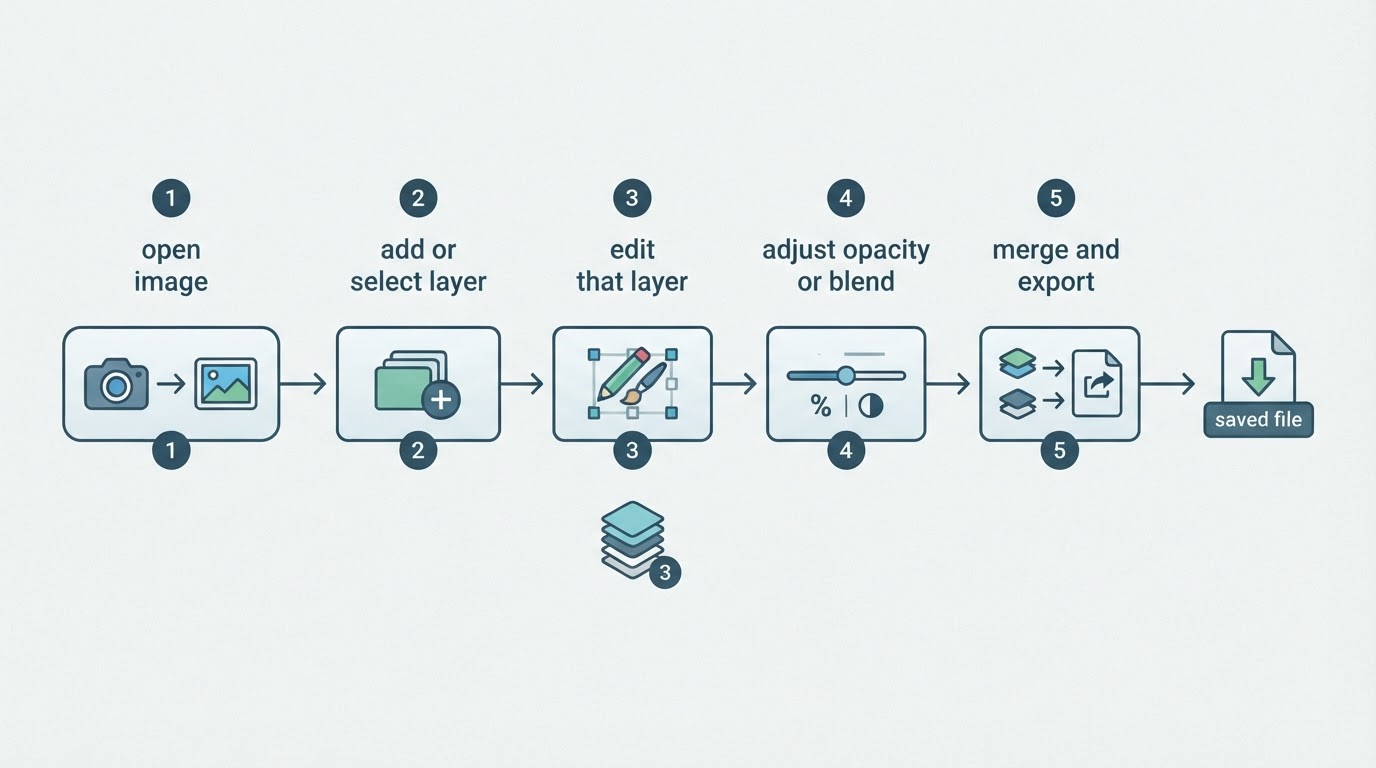
Seashore App Review: A Free Layer-Based Editor for macOS
The seashore app is a free, open-source macOS image editor built around layers. It suits quick edits and simple composites, and stops short of RAW or print work.
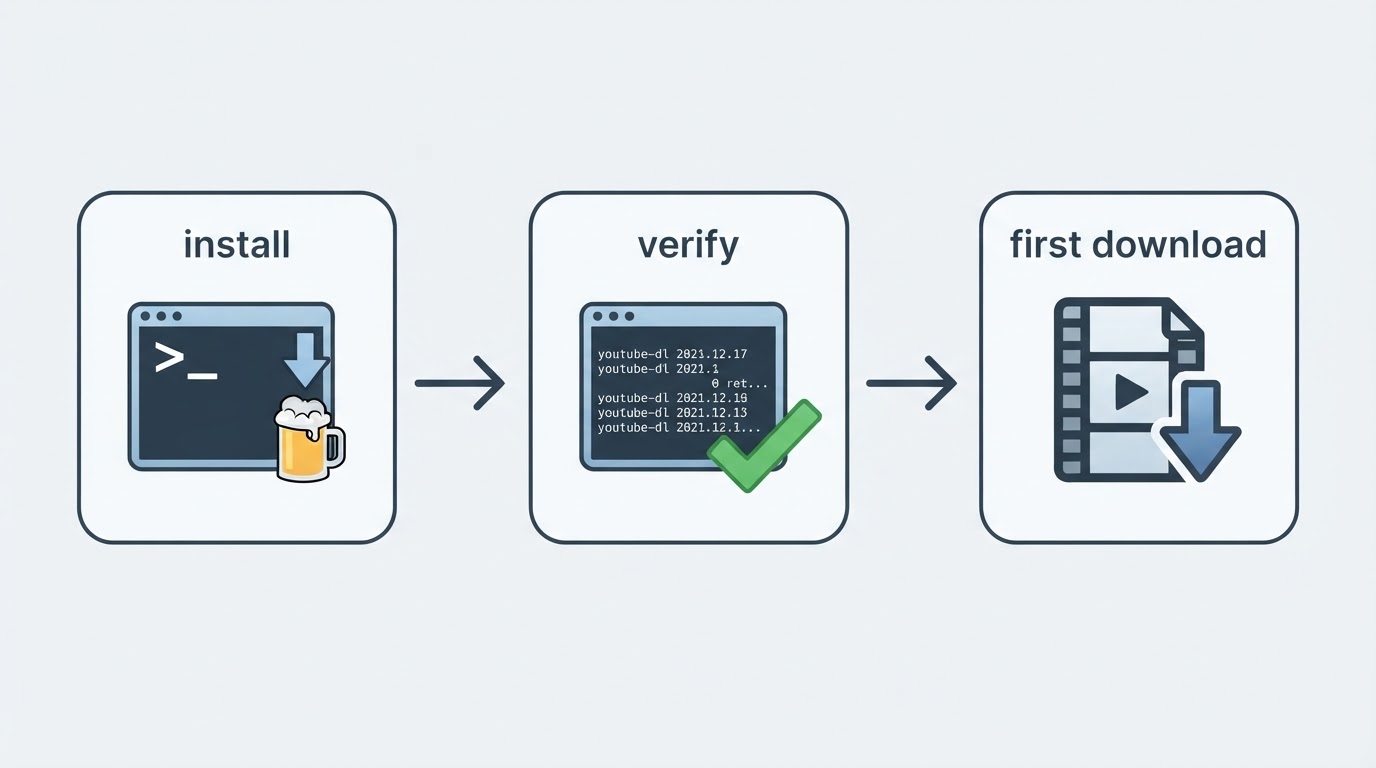
youtube-dl mac: Install It on macOS and Save a Video From the Terminal
A youtube-dl mac setup takes one Homebrew command, a version check, and one download line; after that the video files land in a folder you choose and stay on your disk.
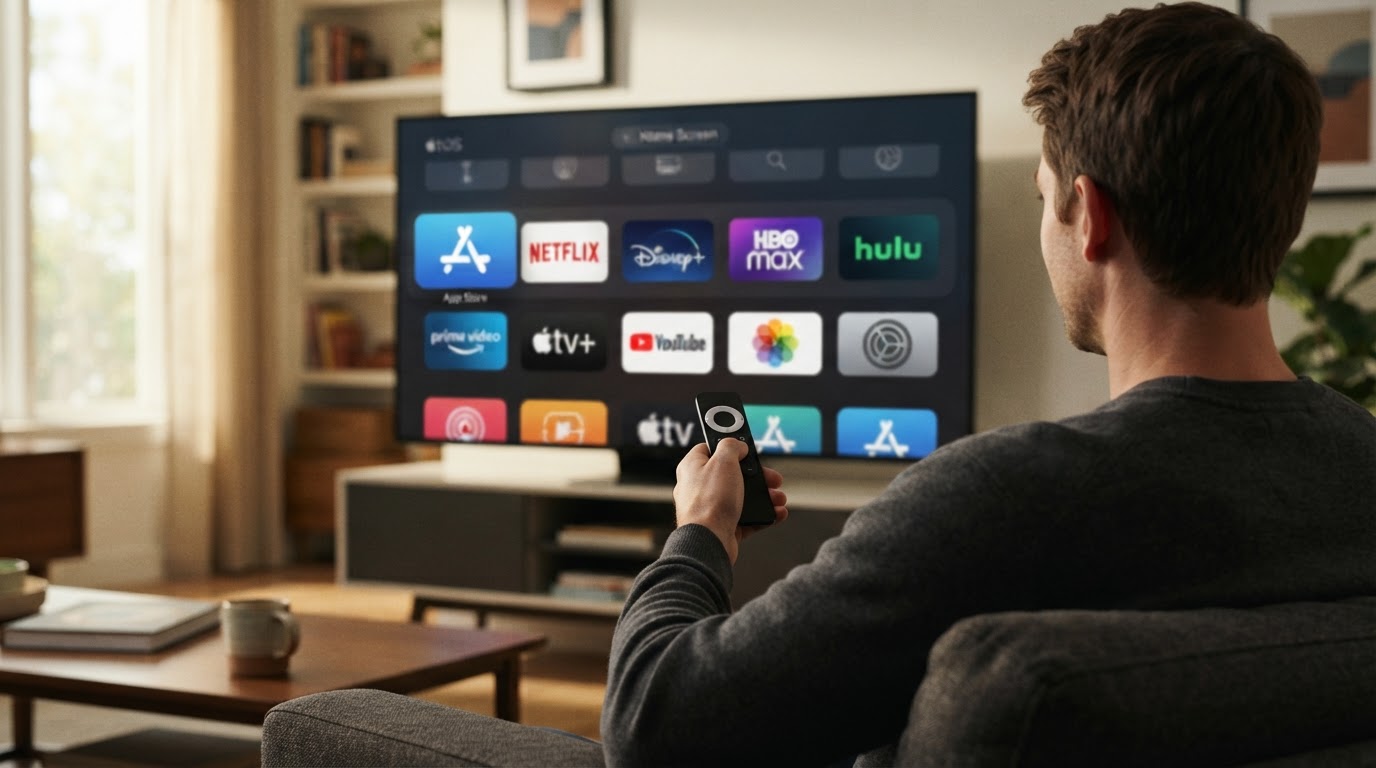
How to Add Apps to Apple TV: Find, Install, and Open Them
How to add apps to Apple TV: open the App Store from the Home screen, browse or search for the app, select Get or its price, then open it once it lands on the Home screen.
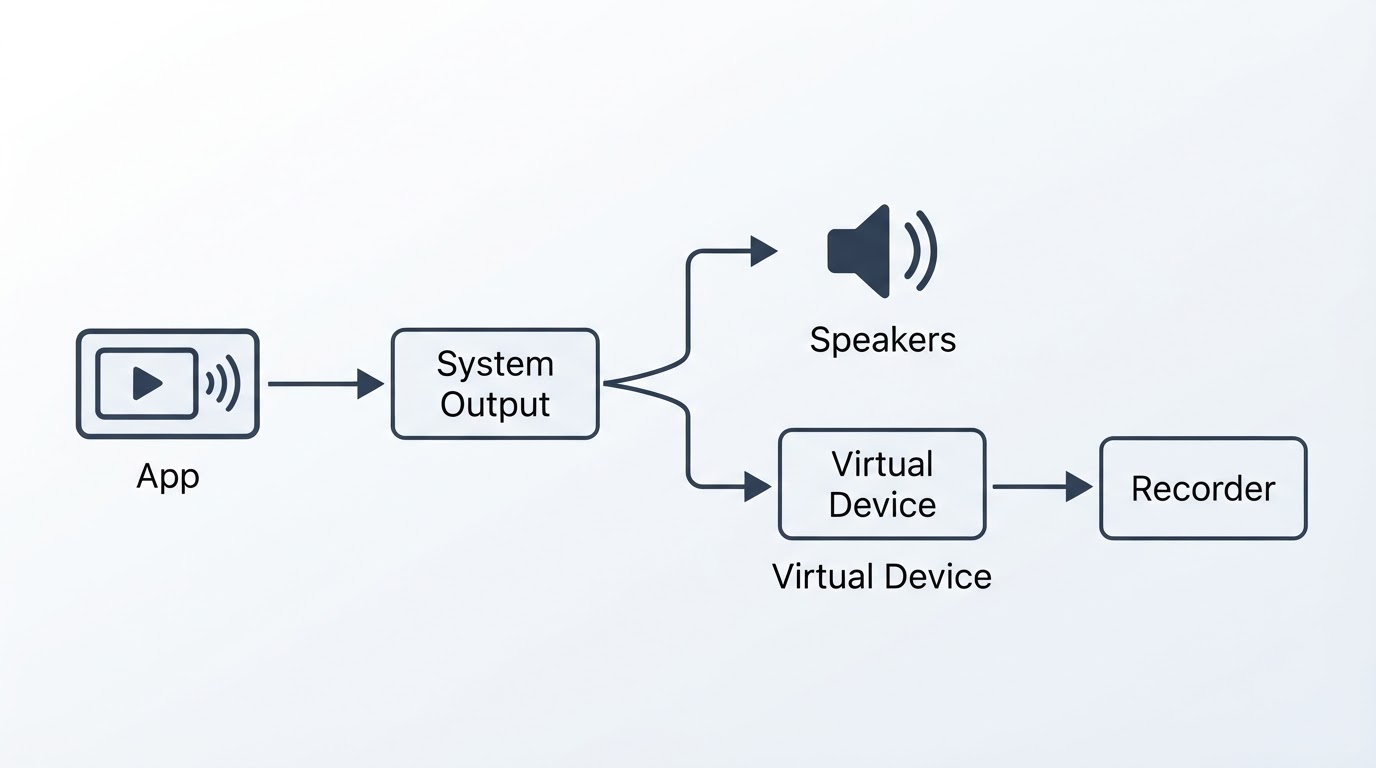
BlackHole Audio Mac: Route One App's Sound Into Another
A blackhole audio mac setup needs one virtual loopback driver between two apps: one app plays the sound, the driver carries the stream, and a recorder captures it with no cable or microphone.