All Posts
Browse all blog posts

Chunky: A Native Comic Reader for CBZ, CBR, and PDF Libraries
Chunky organizes comic and manga libraries across iPhone, iPad, and Mac, with CBZ, CBR, PDF, iCloud sync, remote servers, and controls tuned for long reading sessions.

BetterTile: Linked Window Resizing and Adaptive Bento Tiling for Mac
BetterTile is a native macOS window manager that lets neighboring windows resize together, adapts Bento layouts as windows open, and groups apps into tabbed panes.

Blitz: A Native macOS Launcher for Apps, Files, Windows, and Raycast Extensions
Blitz is a Swift launcher that brings app and Spotlight search, clipboard history, snippets, window actions, and many Raycast extensions into one keyboard-driven macOS interface.
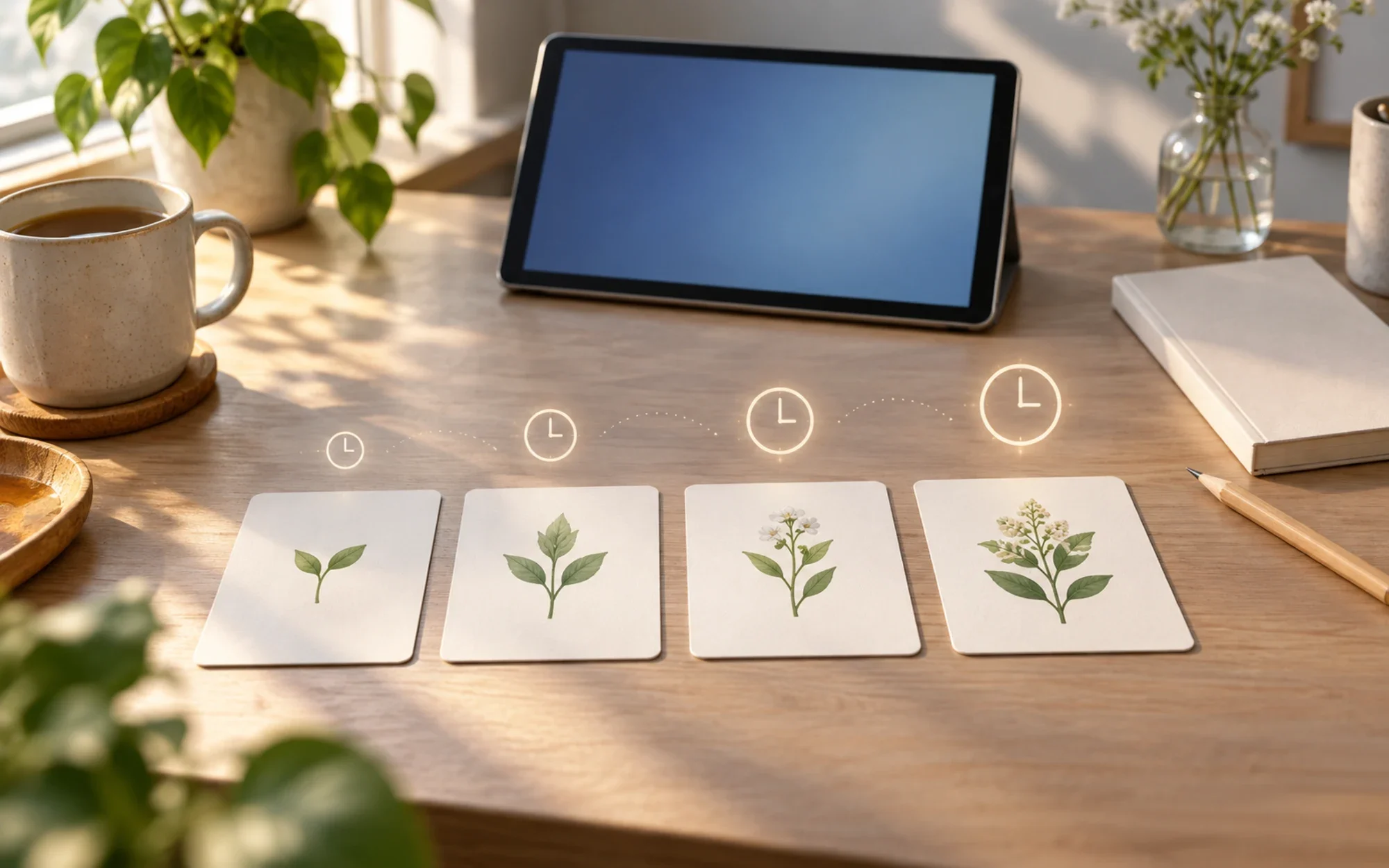
Nibomo: Open-Source AI Flashcards with FSRS Reviews
Nibomo turns notes and photos into editable flashcards, schedules reviews with FSRS, and lets you study offline on mobile—while keeping cloud sync and AI as distinct online features.

Remora: One Prioritized Inbox for Engineering Work
Remora brings code reviews, messages, issues, and reminders into one local-first inbox organized by the action each item needs—not by the tool it came from.
How to Install Homebrew on Mac and Add brew to Your Shell PATH
You can install Homebrew on Mac with one command, one PATH line, and one verification pass; after that, brew runs in every new Terminal window. Editorial illustration for install homebrew on mac.
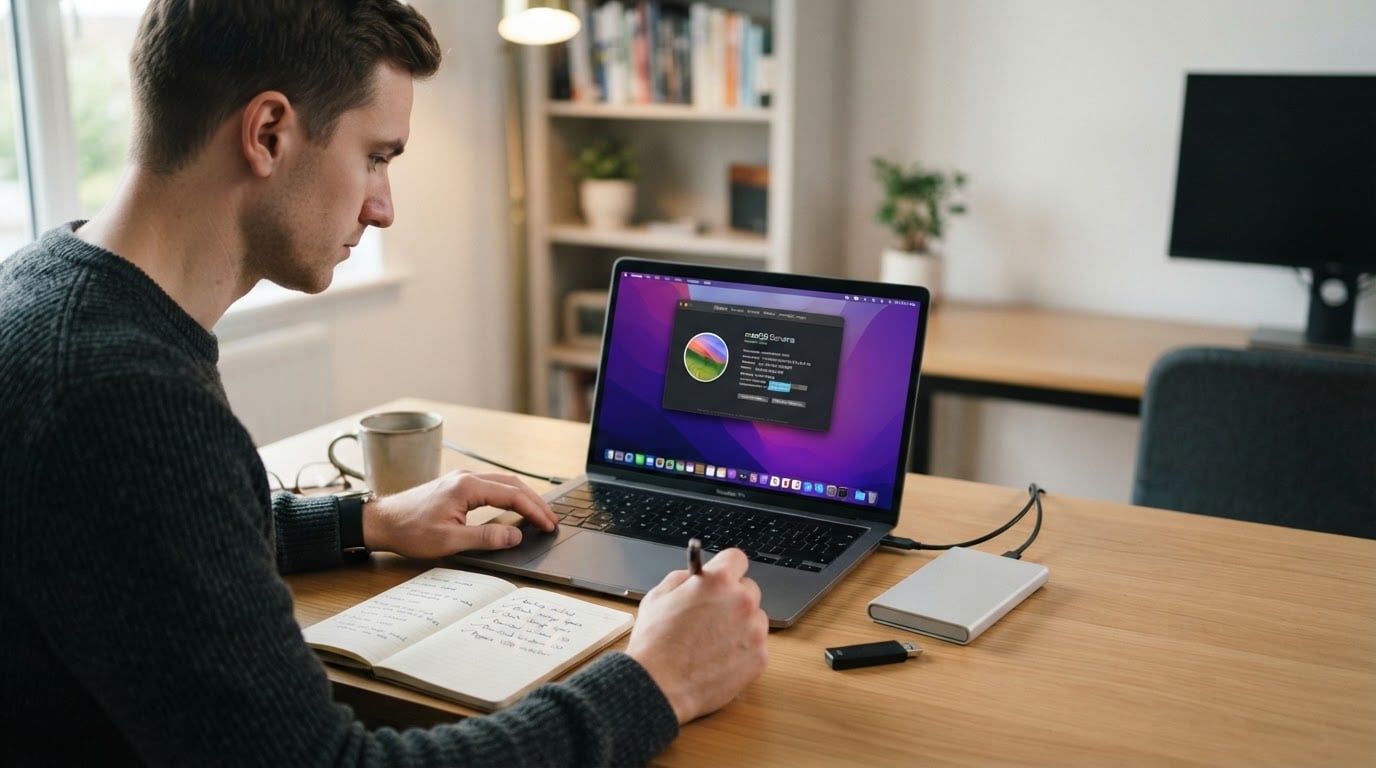
Boot Camp on Mac: Install Windows on an Intel Mac and Dual-Boot
Boot Camp on an Intel Mac puts Windows on its own partition, so you pick macOS or Windows at every startup and can hand the space back later.

Mac mini Mode: Keep a Plugged-In MacBook Running with the Lid Closed
Mac mini Mode lets a plugged-in MacBook keep running with its lid closed, then restores normal sleep when you unplug in Automatic mode. See how its power-aware menu-bar controls work, what it does not configure, and how to install the notarized official package.

Berthly for Mac: A Native GUI for Apple Containers
Berthly puts Apple’s container toolchain behind a native macOS interface for images, containers, machines, networks, and volumes. See how its guided setup works, what remains local, and why the v1.4.1 security fix also requires an up-to-date Apple container daemon.