All Posts
Browse all blog posts

Droppy Guide: Stage Dragged Files in the Mac Notch Shelf
droppy stages the files you are dragging on the Mac notch, so you can switch windows and drop them where they belong. Treat it as a temporary shelf, not an archive.
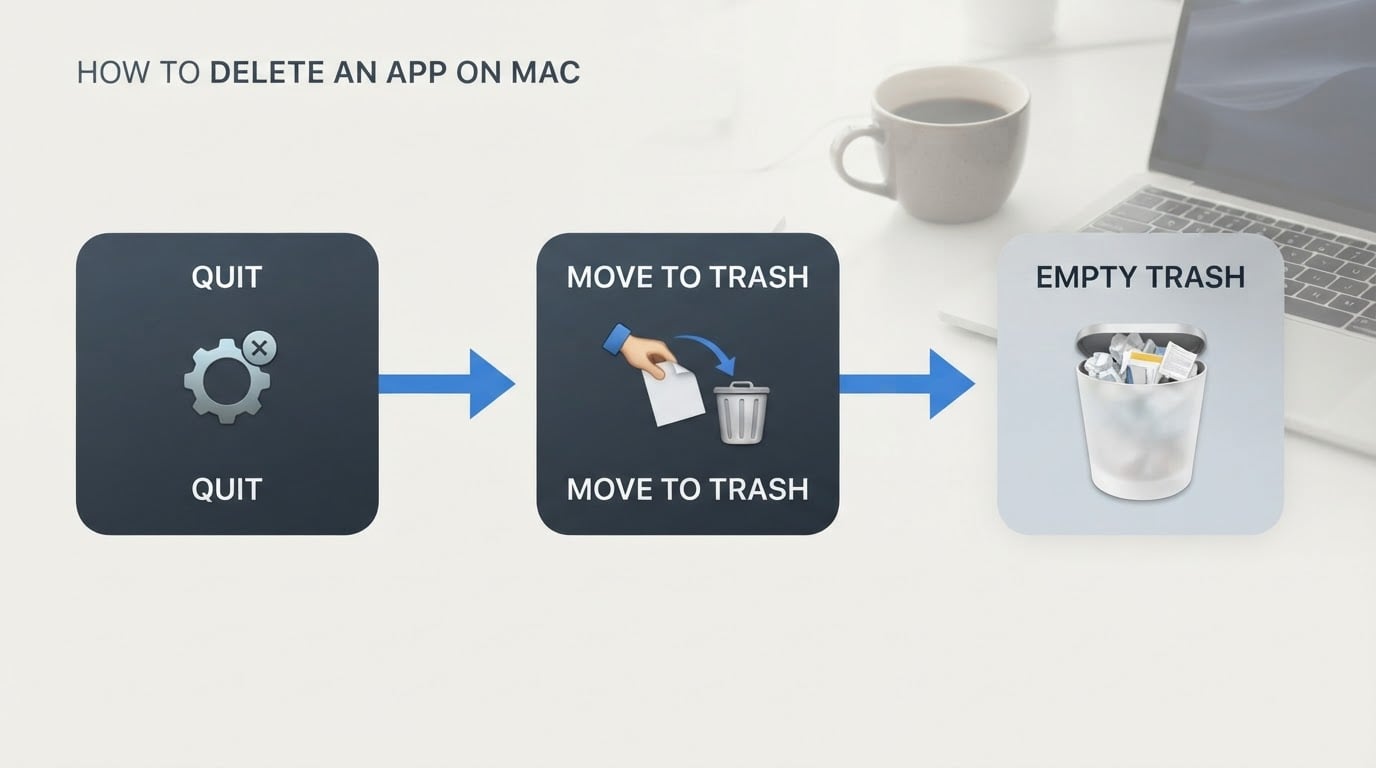
How to Delete an App on Mac (and Clear Leftover Data)
Here is how to delete an app on mac completely: quit it, drag it to the Trash in Finder, empty the Trash, then check the Library folder for leftover data.

Lunavect: Keep Claude Code and Codex Sessions in View on Mac
Lunavect brings local Claude Code and Codex sessions, activity states, and usage windows into a Mac menu-bar dashboard. See what v0.2.8 can track, how its Continue Later workflow behaves, and where local limits stop short of provider enforcement.

Topiary Bar: Organize a Crowded Mac Menu Bar Without Hiding App Icons
Topiary Bar keeps frequently used status items close and gives the rest a searchable management panel. Here is what it organizes, what it does not hide, and why the App Store and Developer ID builds have different controls.

fanfan: Mac Fan Control and Temperature Monitoring in the Menu Bar
fanfan pairs Mac temperature and fan readings with manual, automatic, and firmware fan control. Here is how its safety helper works, which Macs are supported, and how to install the current release.

Mlem: An Open-Source Lemmy Client for iPhone and iPad
Mlem brings Lemmy's federated communities to iPhone and iPad in a native Swift app. Here is how instances, the latest release, App Store compatibility, privacy disclosures, and the GPL-licensed source fit together.
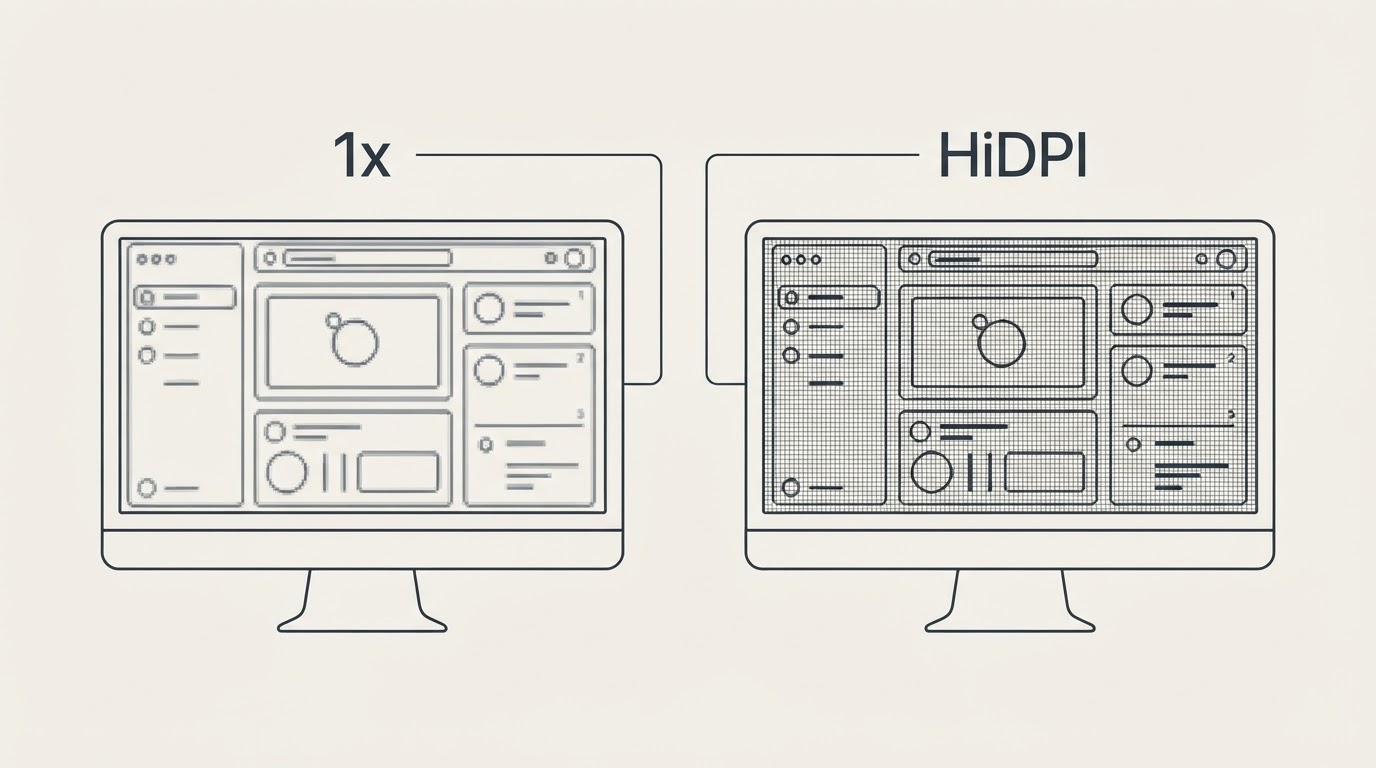
Better Display Mac: HiDPI Scaling, Brightness, and Virtual Displays
Sharper text on a third-party Mac monitor usually comes down to one hidden mode — a HiDPI scaled resolution — plus a working brightness channel and a recovery plan for the day a change goes dark.
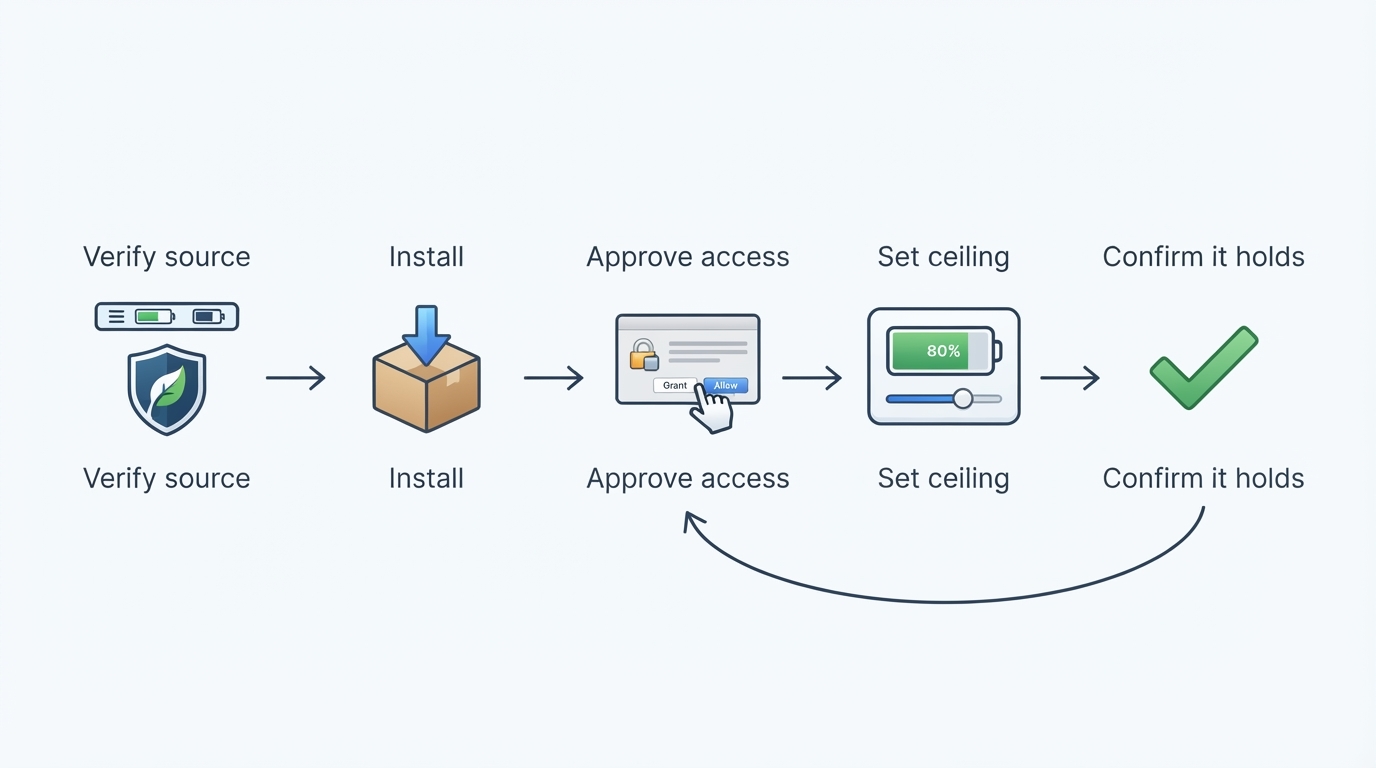
AlDente on a MacBook That Stays Plugged In: Setting and Verifying a Charge Limit
Setting a charge ceiling with AlDente on a Mac comes down to one menu-bar control; the permission, the sleep behavior, and your own plugged-in pattern decide whether it helps.
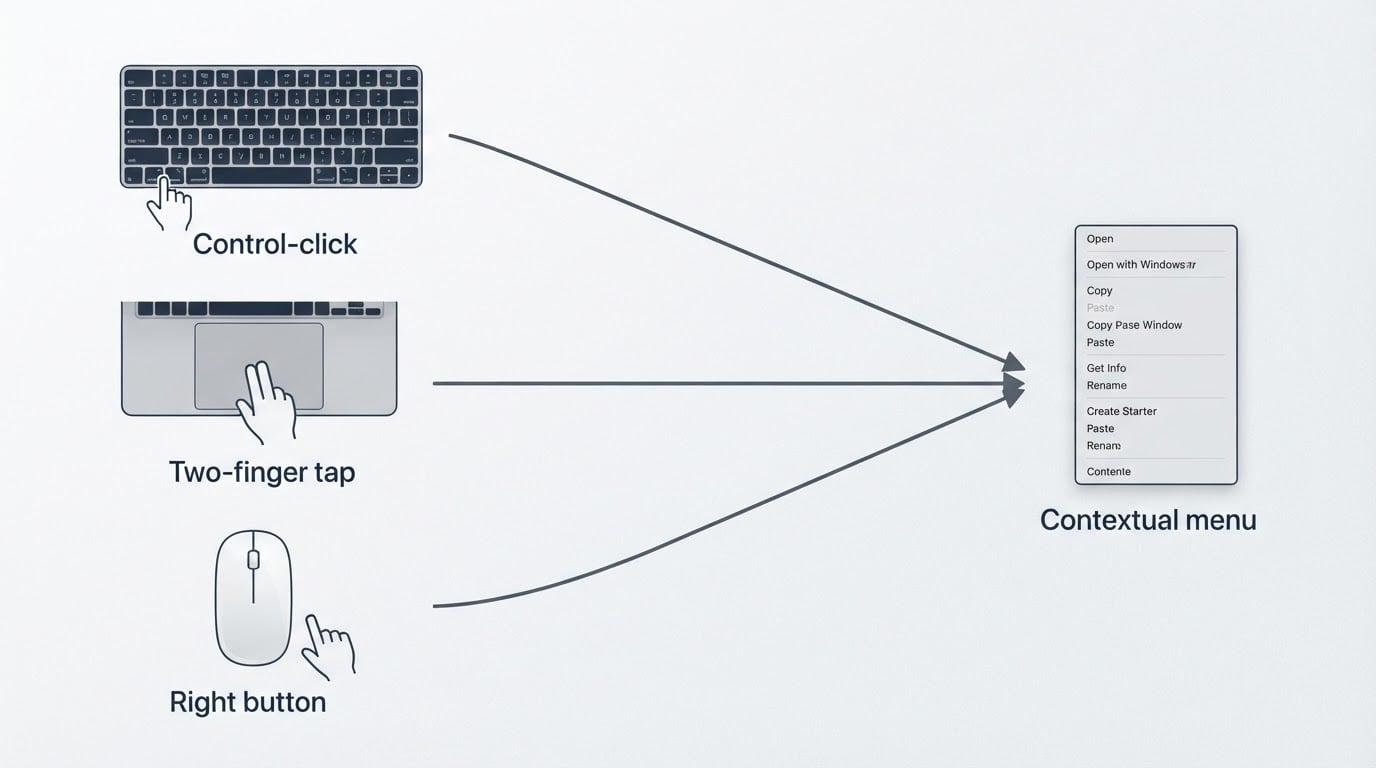
How Do I Right-Click on a Mac? 3 Methods That Work
A right click on a Mac is the secondary click: hold Control and click, tap with two fingers on the trackpad, or press the right button on an external mouse.