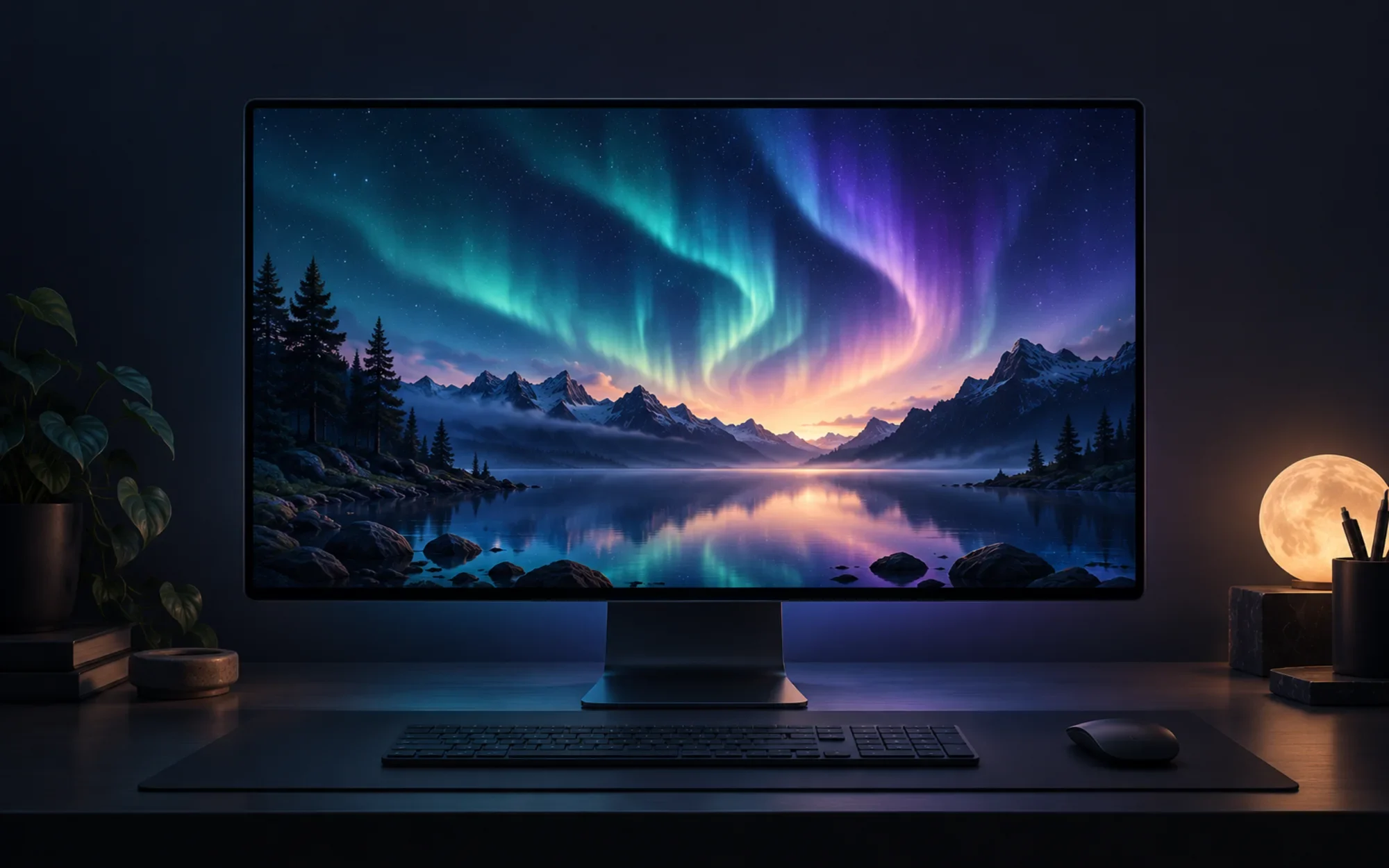
WallpaperMachine is an independent macOS app for running selected Wallpaper Engine-style animated backgrounds on a Mac. It gives Mac users a way to explore moving scenes, videos, and web wallpapers without pretending every Windows wallpaper or feature is compatible.
The latest official release we verified is v1.2.3, published on October 2, 2026. Its ready-to-run DMG targets Apple Silicon Macs running macOS 15 or later; check the current release notes before installing because support and packaging can change.
Wallpaper Engine-style motion, adapted for Mac
This is a separate project, not an official Wallpaper Engine or Valve product. The goal is narrower and practical: bring compatible animated desktop backgrounds to macOS, with a native Mac interface for browsing, playback, and display settings.
The app groups its experience around discovery, pixiv, installed wallpapers, and settings. You can browse before deciding what to keep, then manage playback from the Mac app rather than treating the Windows client as if it ran unchanged on macOS.
Know which wallpapers can run
WallpaperMachine supports scene, video, and web wallpaper types, but not Wallpaper Engine’s application wallpapers. Compatibility also varies between individual creations: a wallpaper may rely on Windows-specific behavior, missing assets, or resources that are not included with a Workshop download.
The project includes a bundled video wallpaper called Aurora Drift that can play without a Steam download. That is a useful first check of the playback experience, while Workshop items should be treated as a compatibility-based catalog rather than a promise that every popular wallpaper will work.
Browse first, then download with the right account
You can browse Wallpaper Engine Workshop items without signing in. Downloading them requires a Steam account that owns Wallpaper Engine; some scene wallpapers also depend on shared resources from a purchased Wallpaper Engine installation.
The separate pixiv area provides search and rankings for artwork-based wallpapers. Signing in is needed for members-only works, so the available results can differ from what a logged-in pixiv account can access.
These sources have different access rules. If an item does not download or render, first check ownership, required shared resources, and the creator’s wallpaper type before assuming the Mac app itself is broken.
Customize motion, sound, and presets
For supported wallpapers, you can adjust available properties and save presets. The exact controls depend on how the creator built each wallpaper; a video may expose fewer options than a scene designed with adjustable parameters.
The app also includes audio response and media-related integration. These options make an animated background feel more connected to playback, but they remain presentation controls rather than a guarantee that every wallpaper implements sound-reactive behavior.
Give each display its own background
On a multi-monitor Mac, WallpaperMachine can assign different wallpapers to different displays instead of stretching one image across the whole desktop. That is useful when screens have different sizes or when you want a quieter background on one of them.
Playlists and favorites help rotate through a chosen set without searching the Workshop each time. You can also back up, export, and restore wallpaper collections; importing copies items into the app’s library and keeps the original files in place.
As with any downloaded creative work, keep ownership and creator requirements in mind when exporting or sharing files. The app’s backup tools are for managing your own library, not for changing the permissions attached to a wallpaper.
Keep live wallpapers under control
Wallpaper playback can pause when the Mac sleeps or locks, and when another window covers a display. Rules can also pause or mute playback for full-screen apps, selected apps, Low Power Mode, high temperature, or Focus, helping motion stay out of the way when it is not useful.
Performance settings include render scale and frame-rate limits, alongside power and performance indicators. Lowering those values can reduce the work a live background asks of the Mac, though the impact still depends on the wallpaper and your displays.
Use it from the menu bar
Closing the main window leaves WallpaperMachine available from the menu bar, where you can pause, resume, or move to the next wallpaper. That keeps a small set of playback controls close without requiring the full browser window to remain open.
The project also describes experimental animated lock-screen and screen-saver options for macOS 26 and later. The lock-screen feature is off by default; treat both as experimental rather than core, dependable macOS behaviors.
WallpaperMachine is independent of Wallpaper Engine and Valve, and its support claims should be read as project-specific compatibility, not endorsement or official cross-platform support from either company.
Compatibility and interface languages
The v1.2.3 installer is for Apple Silicon and macOS 15 or later. The project lists English, Simplified Chinese, Traditional Chinese, and Japanese for its interface; features such as animated lock-screen playback have the higher macOS 26 requirement.
shasum -a 256 -c WallpaperMachine-1.2.3-arm64.dmg.sha256Install the official GitHub release
We did not find a matching Mac App Store listing in the project’s official distribution links, so use the official v1.2.3 Apple Silicon DMG from GitHub Releases. You can also download its SHA-256 checksum file, verify the file with the command above, open the DMG, and move the app to Applications. The release is ad-hoc signed, not notarized; on first launch, follow the project’s guide to allow it under System Settings → Privacy & Security → Open Anyway, then confirm the prompt.
Read the project’s distribution caveat
The repository identifies its source as GPL-2.0-only, but its LICENSING.md says binary distribution is still blocked because Apache-2.0 components remain in the link closure and that no binary has been cleared. That statement sits alongside a published v1.2.3 DMG, so the project’s release and licensing notes are in tension. This is not a legal assessment; review the maintainer’s latest clarification before relying on the binary or redistributing it. The source repository is available for further review.
WallpaperMachine is worth exploring if you want animated Mac backgrounds and are comfortable checking compatibility and the first-launch security prompt. If you need a fully notarized installer or a settled binary-distribution statement, wait for the project to clarify those points before treating the DMG as routine software.
Project facts
- License
- GPL-2.0-only
- Platform
- macOS 15+ on Apple Silicon; experimental lock-screen and screen-saver features require macOS 26+
- Written in
- Swift, SwiftUI, Rust, C++
- Version reviewed
- GitHub Release v1.2.3 (published 2026-10-02)
Install
open 'https://github.com/WallpaperMachine/WallpaperMachine/releases/download/v1.2.3/WallpaperMachine-1.2.3-arm64.dmg'License summary
The repository says GPL-2.0-only, while LICENSING.md says binary distribution is not cleared because Apache-2.0 components remain in the link closure; a v1.2.3 DMG is nevertheless published. This unresolved project-stated conflict is disclosed in the article.


