All Posts
Browse all blog posts
How Do You Hide Apps on iPhone? Hiding, Locking, and the Limits
The answer to how do you hide apps on iphone starts with a long press: Require Face ID, then Hide and Require Face ID, and authenticate. If that option is missing, locking or Screen Time helps.
How Do You Remove Apps on iPhone? Delete vs Remove
The short answer to how do you remove apps on iphone: touch and hold the icon, tap Remove App, then tap Delete App. Remove from Home Screen only hides the icon and keeps the app and its data.

Earnote: Private AI Meeting Notes, Recorded on Your Mac
Earnote records meetings and lectures on Apple silicon, transcribes audio locally, and turns the conversation into structured notes you can send to your existing apps.

Silicon Optimizer: A Local AI Workbench That Plans Around Your Mac
Silicon Optimizer checks your Apple-silicon Mac before you download a model, then helps you choose, run and use local AI through chats, tools and creative workflows.

Markdown Reader: A Quiet Three-Pane Workspace for macOS
A native Mac app for reading Markdown with a folder tree, rendered document and outline—plus Quick Look, source editing, themes and PDF export.

NotchPlayer: Spotify at Home in Your MacBook’s Notch
A free SwiftUI utility that puts Spotify’s current track, a live waveform and transport controls in a compatible MacBook notch.

Sorty: Give Mac Files a Folder Plan You Can Review
Sorty uses your chosen AI provider to propose a cleaner folder structure, then lets you inspect the moves before applying them. Here is what v1.2.1 does, where your file data goes, and how to install the official release.

Chiselo: Polish HTML Visually on Your Mac, Then Export
Chiselo is a native Mac editor for existing HTML, with visual controls and HTML, PDF, and PPTX export. We build-checked the source and explain its release gap and non-commercial license.
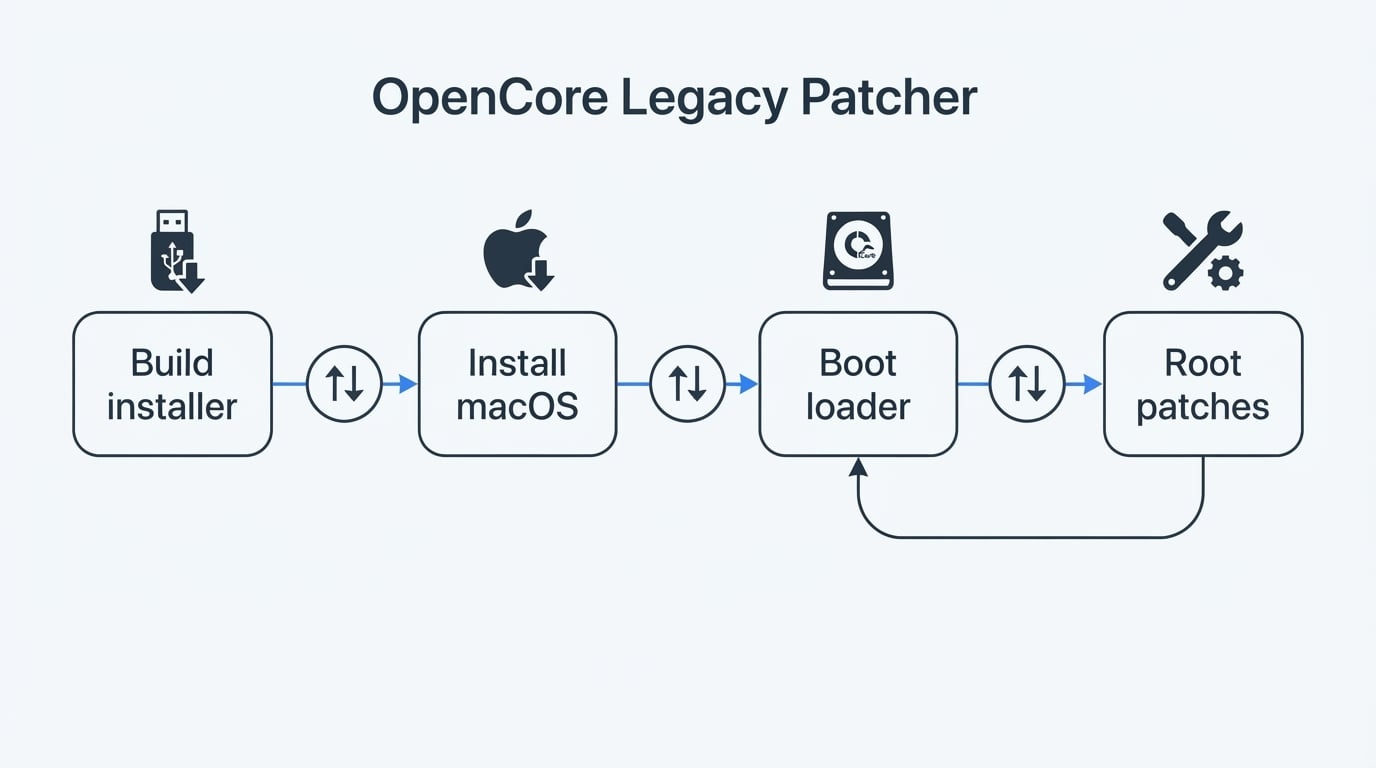
OpenCore Legacy Patcher: Run Newer macOS on an Unsupported Mac
You can run a newer macOS on an officially unsupported Intel Mac with the open core legacy patcher, if you accept the unsupported configuration and the update routine that comes with it.