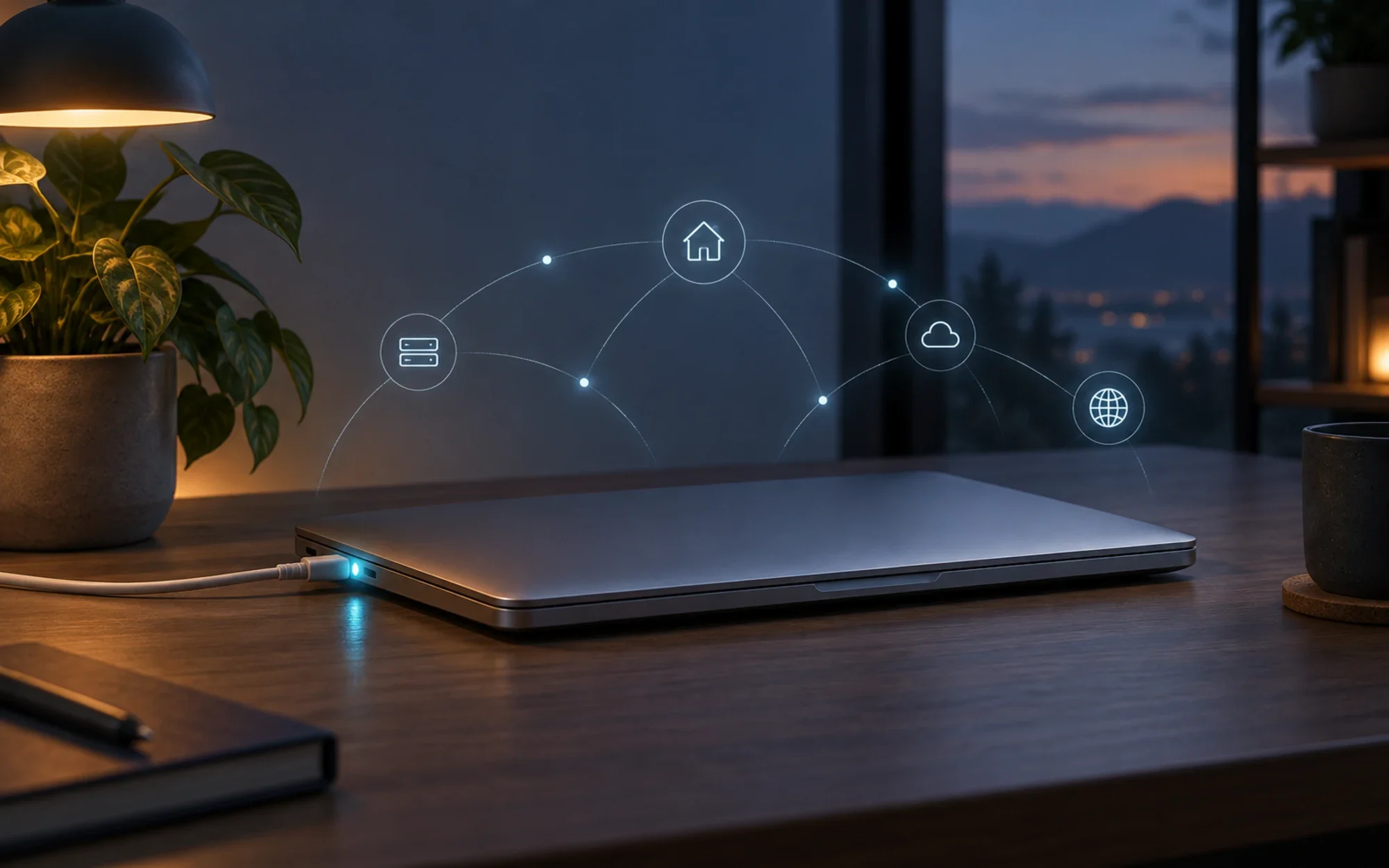
MacMiniMode, named Mac mini Mode in its README, keeps a plugged-in MacBook awake with the lid closed. In Automatic mode, unplugging returns the machine to ordinary laptop sleep—so a notebook can serve as a compact headless home computer without a dummy display or a command you need to remember.
What the utility actually changes
This is a narrowly focused sleep-control utility, not a complete server dashboard. It changes when macOS allows the MacBook to sleep; it does not turn on file sharing, configure remote access, or manage your services.
The practical difference is simple: leave the MacBook connected to power and close the lid, and Mac mini Mode is designed to keep it running. That can spare you from leaving an external display attached just to keep a headless machine awake.
A closed lid without an external display
The project describes a clamshell-style setup that works without an external monitor or a dummy HDMI plug. This is useful when the MacBook is parked on a desk and you reach it through services you have already configured.
The distinction matters: keeping the computer awake is only one part of a home-server setup. Network access, remote login, file sharing, backups, and application services remain separate macOS or third-party configuration tasks.
Automatic mode follows the power adapter
In Automatic mode, connecting the charger disables sleep so the MacBook can continue running with its lid closed. The README presents this as the everyday, power-aware behavior.
Unplug the charger and normal battery sleep returns. If the lid is already closed when power is removed, the project says the MacBook goes to sleep right away.
That plug-in/unplug rule is the feature’s safety boundary: it helps prevent a MacBook from staying awake in a bag after you leave home. Check the selected mode before carrying the computer away.
Three choices in the menu bar
A menu-bar icon shows the current state, and the app lists three choices: Automatic, Always On, and Always Off. This gives you a visible control instead of asking you to remember a terminal command.
The README specifically documents the charger-following behavior for Automatic mode. If you choose either manual override, review the mode shown in the menu before travel rather than assuming it behaves like Automatic.
Where it fits—and where it stops
Mac mini Mode is aimed at a MacBook that stays connected to power in one place: a home-server host, a headless machine, or a laptop doing a long-running task while its display is closed. It offers a small software switch for that use case instead of a separate dummy display adapter.
It does not make a MacBook a managed server by itself. You still need to configure network reachability, security, updates, and the applications you want to run; the project does not claim to provide those pieces.
Install the official notarized package
The current release is v1.1.1. Its release notes lower the minimum requirement from macOS 13 to macOS 12; Apple silicon and Intel are both supported. The README says the installer is signed and notarized by Apple.
Download the official MacMiniMode v1.1.1 package, or read the v1.1.1 release notes first. The release page lists SHA-256: 0af588501e641e089233b6be0bc0ccf466cfad7b93f39cd34ee9ead192a5a2f4.
The documented install is a standard package flow: open the PKG, continue through the installer, and enter your Mac password once. The README says the menu-bar icon appears after installation and no restart is needed. This review checked the official release metadata but did not install the app on hardware.
Before you close the lid
For the advertised power-aware behavior, connect the charger and select Automatic. Confirm that the menu-bar state is what you expect, then test the exact headless services you plan to use; the utility itself does not verify that those services are reachable.
A closed laptop still needs a sensible place to run. Keep it on a stable, ventilated surface and avoid enclosing it in bedding or a bag; the app controls sleep behavior, not workload temperature or cooling.
Uninstalling the utility
The project documents an uninstall script inside the installed app. It requires administrator privileges, so verify the command and make sure you intend to remove Mac mini Mode before running it.
sudo /Applications/MacMiniMode.app/Contents/Resources/uninstall.shThe command is reproduced from the project’s README. If you have added other server or power-management configuration yourself, review those settings separately rather than assuming this app configured them.
MIT-licensed and deliberately small
The repository includes an MIT license and the Swift source for a focused macOS utility. That makes the project inspectable and reusable under the license terms; it does not change the scope of what the installer does.
The release history is concise: v1.1.0 added English support to the menu bar, logs, and installer, while v1.1.1 broadened compatibility to macOS 12. The latest release says it contains no other changes.
Who should give it a try
It is a good fit if you already own a MacBook and want it to stay available as a plugged-in, lid-closed home computer. The useful idea is not a collection of extra features, but the clear relationship between power state and sleep.
If you need a laptop to conserve battery while traveling, keep it in Automatic mode and verify the menu state before packing it. If you need a full server manager, look elsewhere for network, service, and monitoring controls—Mac mini Mode intentionally focuses on keeping the Mac awake.
Project facts
- License
- MIT
- Platform
- macOS 12 or later; Apple silicon and Intel
- Written in
- Swift
- Version reviewed
- v1.1.1 (official release dated 2026-10-07; release page lists SHA-256 0af588501e641e089233b6be0bc0ccf466cfad7b93f39cd34ee9ead192a5a2f4)
- Repository
- github.com/Pama-Lee/MacMiniMode
Install
Official MacMiniMode v1.1.1 installer: https://github.com/Pama-Lee/MacMiniMode/releases/latest/download/MacMiniMode.pkg
Release notes: https://github.com/Pama-Lee/MacMiniMode/releases/tag/v1.1.1
Publisher-listed SHA-256: 0af588501e641e089233b6be0bc0ccf466cfad7b93f39cd34ee9ead192a5a2f4
Requires macOS 12 or later; Apple silicon and Intel are supported.
License summary
The repository includes an MIT license. The article describes the public source and license based on the repository's LICENSE and README.


