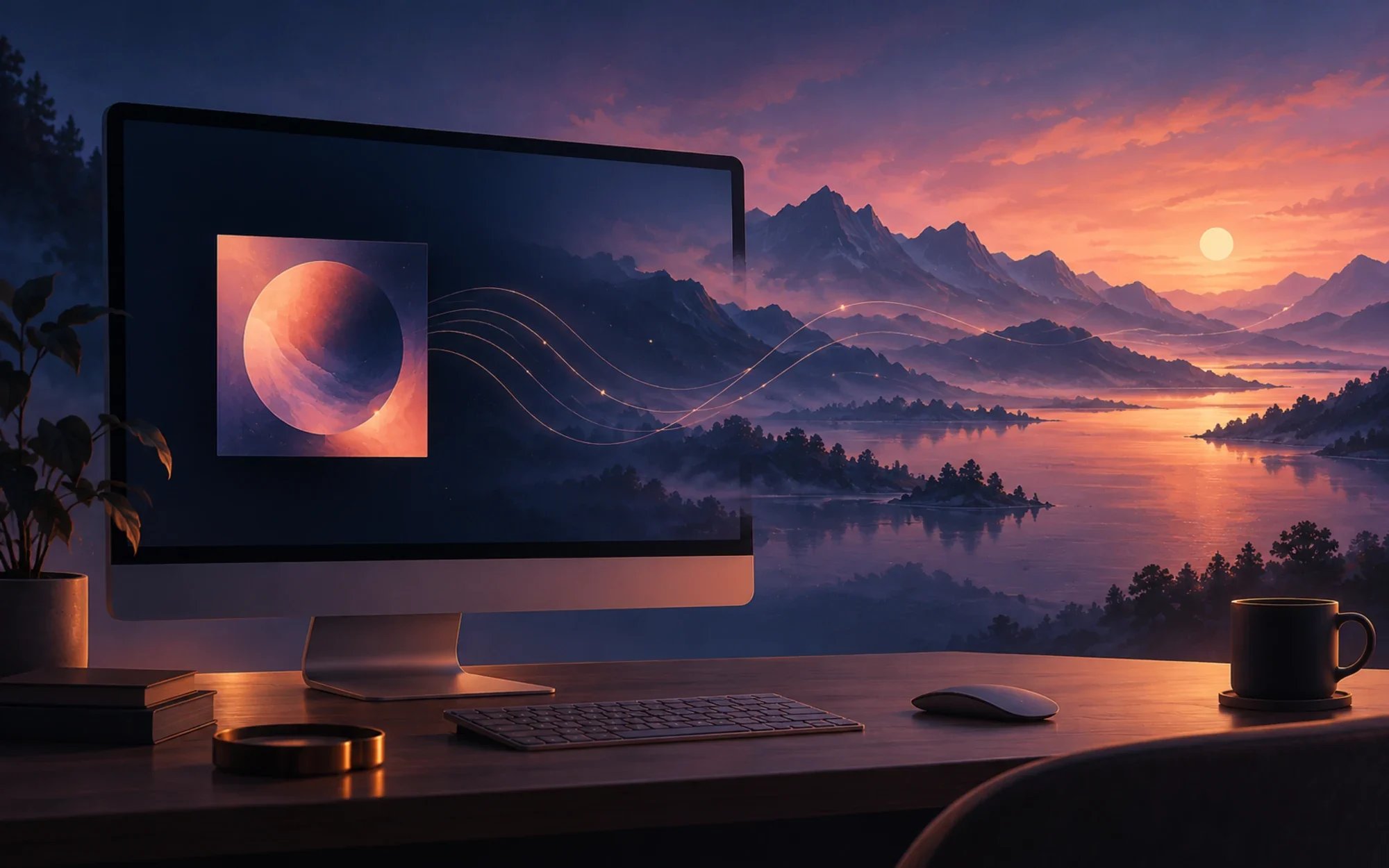
AudioPaper is a native macOS companion that changes your desktop wallpaper as the song playing in Apple Music changes. It can show an album cover first, then rotate through artist photos and fan art. The current public release is v0.1.9, with an official DMG and checksum, so Mac users can install it without building from source.
A wallpaper that follows Apple Music
AudioPaper reacts to Music’s system track-change notifications rather than polling playback or recording audio. When it launches, it asks Music once what is already playing, then updates the desktop as tracks change. It is a wallpaper companion, not another music player.
The current version requires macOS 26 or later and Apple Music. The project lists other music players as future work, so do not assume Spotify or another player is supported today.
How album covers and artist art are found
For a song, AudioPaper first looks for album artwork in the Apple Music catalog at up to 3000 × 3000 pixels. If the catalog does not have the release, it tries MusicBrainz and the Cover Art Archive, then the artwork already available from Music.
Artist backgrounds can come from fanart.tv, TheAudioDB, Wikimedia Commons, DeviantArt, and—when the other sources return too few suitable images—Brave Search. The release includes a fanart.tv project key; some optional sources require your own API key or developer credentials.
Artwork filtering happens locally
Before an image is used, Apple’s Vision framework on your Mac filters out small images, screenshots, documents, prominent text, logos, interface captures, ads, and product shots. It also detects duplicates and ranks remaining images for visual quality. The README says images smaller than 1280 × 720 are skipped.
That filtering is a safeguard, not a guarantee that every result is relevant. The app credits the artist and image source, but automatically found pictures can still be misidentified or unexpected. Use Next Image to skip one and report bad matches to the project.
A rotation you can tune
When a track changes, its cover appears first while artist images load. The cover holds for about ten seconds; then a new image fades in every 45 seconds by default. Settings let you choose an interval from 15 seconds to five minutes, or keep album covers only.
The chosen image is reflected in the wallpaper, Mini Player, and widgets. AudioPaper sets the wallpaper beneath its brief cross-fade, so the image remains after you quit and appears across Spaces and displays. The menu also offers Pause and Restore Original Wallpaper.
Menu bar, Mini Player, and widgets
The menu-bar menu shows the current track and image credits, with controls for Next Image, Pause, restoring your previous wallpaper, opening the Mini Player, checking for updates, and changing settings. The Mini Player adds playback controls and a strip of the images in the current rotation; it can float above other windows or appear on all desktops.
Now Playing widgets are available in several sizes, with Pause and Next Image controls on medium and large widgets. Artwork widgets show the current image and credit. Install AudioPaper in /Applications for it to appear in the widget gallery; it normally stays out of the Dock unless the Mini Player is open or the menu-bar icon is hidden.
What goes online, and what stays on your Mac
The project says AudioPaper has no telemetry, analytics, accounts, or AudioPaper-operated server. To look up artwork, it sends the artist, album, and song names to the relevant image and music services. Requests use a private network session without cookies, and repeat searches can use the local cache.
Optional service credentials are stored in your Mac’s Keychain. The widgets read a small playback-and-artwork snapshot from AudioPaper’s local App Group container. Downloaded images and search results are cached on the Mac; the default image-cache limit is 500 MB, adjustable from 250 MB to 2 GB.
Brave Search uses your own API key and may incur usage charges; DeviantArt also requires your own application credentials. You can turn individual artwork sources off in Settings. Those network and credential details matter even though AudioPaper itself says it does not track users.
Credits, caches, and imperfect matches
Images are shown on your own desktop with source credits; Wikimedia photos include photographer attribution. AudioPaper filters and caches artwork locally, but the underlying images come from other people and services, not from a library guaranteed to be perfectly labeled or licensed for every possible reuse.
If a result is wrong, awkward, or simply not to your taste, skip it rather than treating the automatic ranking as an endorsement. You can also clear the artwork cache in Settings; the current wallpaper image is retained when the cache is cleared.
A wallpaper restore option, with a setting to automate it
AudioPaper does not automatically restore your previous wallpaper just because the app quits. You can use Restore Original Wallpaper from the menu, or enable the setting that restores it 30 seconds after music stops; that setting is off by default.
That distinction is useful if you often leave Music paused or use another player for part of the day. If you prefer a stable desktop, choose album-cover-only mode, pause wallpaper changes, or restore your original image manually.
Supported Macs and the v0.1.9 release
AudioPaper requires macOS 26 (Tahoe) or later and currently uses Apple Music; support for other players remains on the roadmap. The project is free and MIT-licensed. Its README describes the Mac App Store as a possible future release, while the official GitHub DMG is the ready-to-install path today; building with XcodeGen and Xcode is optional.
The v0.1.9 release improves tracks whose Album field is blank in Music: AudioPaper now looks up that song in the Apple Music catalog for a cover before moving on to fan art and photos. The official release was published on October 5, 2026.
The project README says the downloaded release is signed and notarized, and that automatic updates use Sparkle with EdDSA signature verification. Those are the project’s stated release and updater properties; this article’s package check covers the published DMG checksum and disk-image integrity.
Download the official v0.1.9 release
Download the official AudioPaper v0.1.9 DMG. The release page includes the matching SHA-256 file and notes; the DMG opens to AudioPaper.app beside an Applications shortcut.
printf '%s %s\n' '5b5c5609e70ded950b9765464dd919f36e5cd1d7d81f18ddf82a9ee5e257457c' 'AudioPaper-0.1.9.dmg' | shasum -a 256 -cAfter the check passes, drag AudioPaper.app to Applications and open it. The v0.1.9 DMG’s published SHA-256 matched the downloaded file, and macOS disk-image verification passed; the app was not installed or launched for this review. AudioPaper is a good fit if you want Apple Music to change your desktop’s imagery, and less suitable if you need another player, predictable curated photos, or a wallpaper that never changes. See the project README and full source for its current requirements and artwork sources.
Project facts
- License
- MIT
- Platform
- macOS 26 (Tahoe) or later; Apple Music required
- Written in
- Swift, SwiftUI
- Version reviewed
- v0.1.9 (official DMG SHA-256 matched and hdiutil verification passed 2026-10-08)
- Repository
- github.com/msitarzewski/AudioPaper
Install
Official AudioPaper v0.1.9 DMG: https://github.com/msitarzewski/AudioPaper/releases/download/v0.1.9/AudioPaper-0.1.9.dmg
Release notes and SHA-256 asset: https://github.com/msitarzewski/AudioPaper/releases/tag/v0.1.9
SHA-256: 5b5c5609e70ded950b9765464dd919f36e5cd1d7d81f18ddf82a9ee5e257457c
License summary
MIT-licensed. The project says it has no telemetry, analytics, accounts, or app-operated server; artwork searches send artist, album, and song names to the relevant services. Optional API credentials are stored in Keychain.


