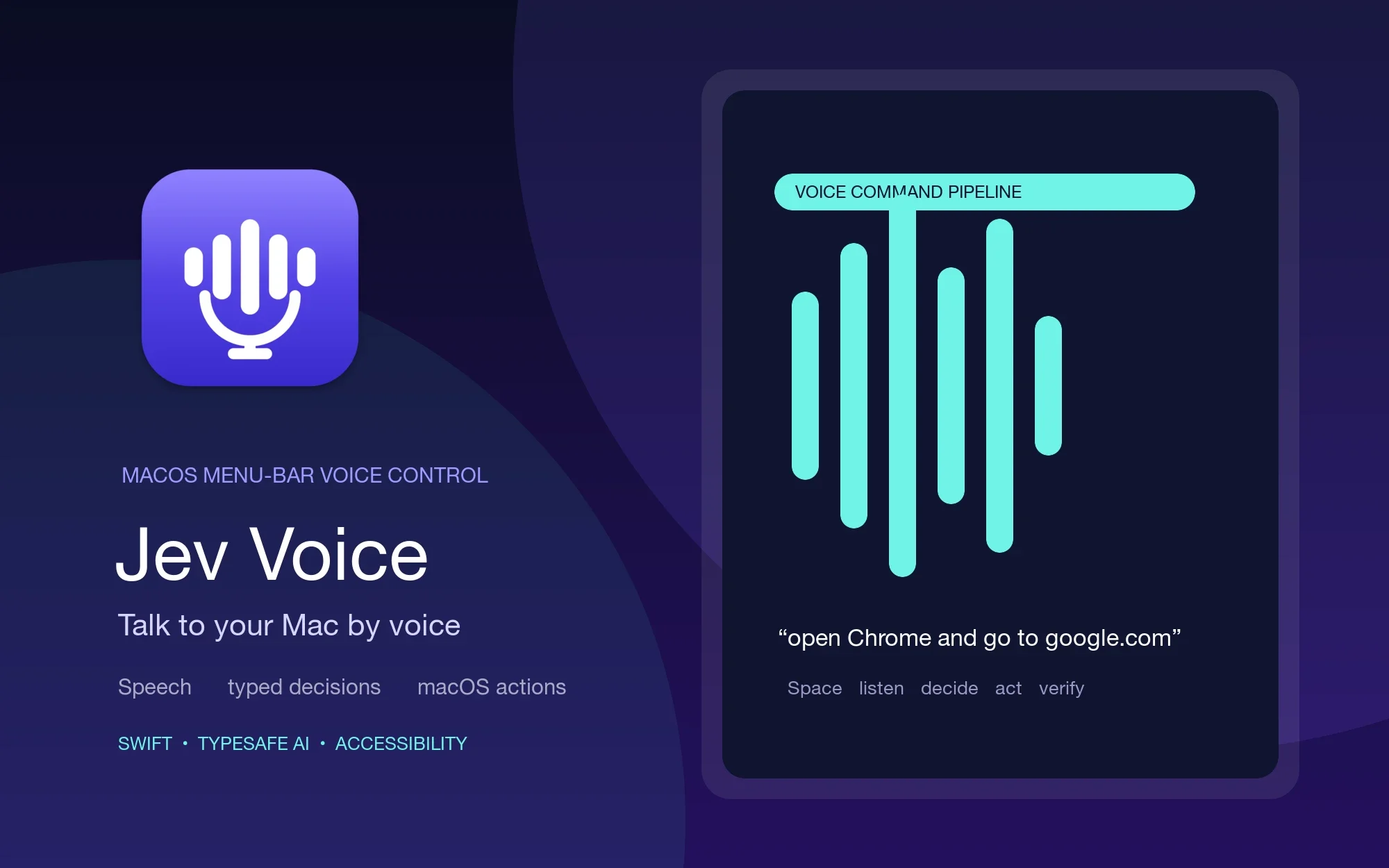
A voice assistant on macOS becomes much more interesting when it does not pretend to be a general-purpose shell. Jev Voice takes a narrower route: you speak a command, local code transcribes and extracts its arguments, Jev chooses from typed actions, and macOS performs the final operation. The result is a menu-bar tool for opening apps, typing, searching, scrolling, and controlling system features without handing execution to free-form generated text.
The project is chris-wozniczek/jev-voice-control, written in Swift and released under the MIT License. The latest checked release is Jev Voice 0.9.1. The package targets macOS 14 or later; SpeechAnalyzer streaming requires macOS 26 and Swift 6.2+/Xcode 26.
A menu-bar app with a deliberate boundary
Hold ⌥Space, say something, and release the shortcut to send it. Examples in the README include “open Chrome and go to google.com”, “quit Spotify”, “type hello world”, “set volume to 30”, “search for Swift concurrency”, “maximize Chrome”, and “restore Chrome”. App aliases such as chrome, code, cmux, and settings make spoken names more forgiving.
The app can speak short execution replies using the selected macOS voice. Settings can also enable Ask before running commands, so the voice flow has a confirmation step before it acts. Toggle mode is available when push-to-talk is not the preferred interaction.
Jev Voice also supports compound commands. “Open Devin and start a new session” can become a local app launch followed by a Jev-guided click. The opened app is carried forward as the UI task target, and actions that sound difficult to undo can ask for confirmation before continuing.
From speech to a typed action
The first layer is local. A command parser recognizes deterministic actions, a clause splitter separates multiple verbs, and SlotExtractor pulls out URLs, search queries, text, percentages, and other arguments. Jev is not asked to invent those values; it is asked to choose the action and its typed slots.
Each clause is sent to TypeSafe Jev's System One endpoint with state such as the full transcript, frontmost app, installed app names, and aliases. The response is a set of typed decisions: action, target app, system action, whether a URL is mentioned, whether the frontmost app is referenced, whether the request composes text, and whether the action is destructive.
That distinction matters. Jev can say openApp or uiTask, but it does not return a shell command for the executor to trust. Low-confidence or ambiguous requests can ask for confirmation, while the local executor owns the actual NSWorkspace, CGEvent, AppleScript, pmset, and Accessibility calls.
Two paths: fast actions and computer use
Known app, URL, media, volume, and keyboard actions can take a fast path when their preconditions match. This keeps simple commands local and predictable instead of sending every utterance through a larger planner. The same app registry supports aliases and user-defined aliases in Settings.
When a request needs a visible control, the computer-use path reads the target app's Accessibility tree, asks Jev to choose the next element, performs the action, and observes again to verify the result. Sparse trees can be re-walked after a focus or scroll poke; local Apple Vision OCR can read visible labels when the tree exposes almost nothing.
Chromium and Electron windows have a separate fallback: with Chrome remote debugging enabled, Jev Voice can use the Chrome DevTools Protocol to read visible web controls and enter text. DeepSeek is optional for open-ended tasks or screens without accessible controls, and its thinking level plus fallback step and time budgets are configurable.
The loop is intentionally observable: observe, choose, act, and verify. Text entry activates the target app before each keystroke path, reads the focused field back afterward, and falls back to an in-process Unicode keyboard path if the expected text is not visible.
Safety is part of the product
The bundled Resources/policy.json blocks shell, payment, credential, and irreversible file-operation phrases. Its default confirmation list includes delete, remove, empty trash, publish, and pay; browser-only confirmations include send, submit, post, tweet, and reply. A policy override can replace the bundled rules, and Settings › Safety shows the loaded policy.
Unknown scriptable requests can become learned tools, but the path is gated. A generated AppleScript or JXA tool must compile, pass the policy scanner, and pass a Jev review before it is confirmed and run. Successful tools are cached under ~/Library/Application Support/Jev Voice/tools/, where they can be enabled or deleted individually.
This is a useful boundary for a voice app: natural language chooses among constrained operations, while code checks preconditions, permissions, and the post-action state. It does not make desktop automation risk-free, but it makes the places where confirmation and verification belong much clearer.
How to install
I could not find an App Store listing for Jev Voice, so the preferred end-user route is the official GitHub Releases page. The current Jev-Voice-0.9.1.zip is the release asset. The repository and cask both describe the app as ad-hoc signed, not Developer ID signed, so macOS may show a first-launch warning and the quarantine attribute may need to be removed.
# Open the latest release page:
open https://github.com/chris-wozniczek/jev-voice-control/releases/latest

# Or download the v0.9.1 ZIP directly:
open https://github.com/chris-wozniczek/jev-voice-control/releases/download/v0.9.1/Jev-Voice-0.9.1.zip
After extracting the ZIP, move Jev Voice.app to /Applications, open it from the menu bar, and set the TypeSafe API key in the gear-menu Settings. If macOS still says the app was not opened because of the ad-hoc signature, the official cask documents xattr -dr com.apple.quarantine "/Applications/Jev Voice.app" as a possible recovery step.
Homebrew is another official route: the repository's cask uses the same v0.9.1 ZIP, removes quarantine in a postflight step, and installs Jev Voice.app. Homebrew 7+ may require brew trust chris-wozniczek/jev-voice before a third-party tap can be used.
The app requests permissions by capability: Microphone to hear commands, Speech Recognition to transcribe, Accessibility to inspect controls and type, Screen Recording for local OCR and screenshots, and Automation for System Events AppleScript actions. Detection can start without granting every permission, but actual desktop control depends on the path you use.
What is sent to Jev
Speech recognition runs on-device when the selected engine supports it. The data sent to api.typesafe.ai for Jev routing is the transcript plus the small amount of app context needed to choose an action, including the frontmost app, installed app candidates, and configured aliases. The API key stays in local UserDefaults; provider usage can still have its own account or cost implications.
Jev is decision-only in this design. For a request such as dictation or a web search, local code extracts the text or query from the transcript. For written replies, the optional generative model composes wording and the result is previewed before typing by default; that is separate from Jev's typed action routing.
Speech engines keep improving
On macOS 26, the release build can include Apple SpeechAnalyzer streaming as the default engine. Whisper and the classic Apple speech recognizer remain selectable alternatives in Settings › Hearing. The project preloads available SpeechAnalyzer assets and Whisper at launch so the first push-to-talk action does not have to wait for a model load.
Whisper's language code can be left blank for automatic detection. Its audio-energy gate detects the end of speech, while Smart end of speech can ask Jev whether a short pause completes the command but still respects the configured silence timeout as a hard cap. A built binary reports its engine capabilities with --engine-info.
Build from source only when you need to change it
The Release ZIP is the right starting point for most users. Developers can build the executable target, run the pure-logic test suite, or create a distribution ZIP from the repository. The package uses Swift Package Manager, a JevVoiceCore target for the decision and parsing logic, and the JevVoice executable target for the menu-bar app.
git clone https://github.com/chris-wozniczek/jev-voice-control.git
cd jev-voice-control

make app     # build build/Jev Voice.app
make test    # run unit tests
make dist    # create build/Jev-Voice-<version>.zip and print SHA-256
The key can be entered in Settings or supplied with defaults write com.chriswozniczek.jevvoice typesafeAPIKey <key>. The repository also documents TYPESAFE_API_KEY=... for launching from a shell. Keep that key private; a source build is not a way to avoid the TypeSafe account or the macOS permissions required by the app.
Optional app shortcuts live at ~/Library/Application Support/Jev Voice/app-actions.json. They provide a fast path for phrases such as opening a new session or tab, but the generic observe → Jev → act → verify loop continues to work without this file.
The limits are worth understanding
Jev Voice is not a free-form voice programmer. Jev never generates URLs, queries, dictation text, or shell commands; those values come from deterministic transcript heuristics. System actions are based on AppleScript and pmset, so brightness key codes can vary by hardware. App launching scans standard macOS application locations and running regular apps, with aliases layered on top.
The other practical limits are the ones you would expect from desktop automation: an app may expose a sparse Accessibility tree, a permission may be missing, a screen may need OCR, and a destructive action may require confirmation. The project responds with fallback paths and verification, but it cannot guarantee that every third-party UI is automatable.
License
Jev Voice is available under the MIT License. You can inspect, modify, and reuse the source in commercial projects while retaining the copyright and license notice. WhisperKit, TypeSafe services, Apple frameworks, and the applications controlled by the tool have their own licenses or terms.
Should you use it?
If you want hands-free control over a Mac and prefer typed decisions, local parsing, explicit permissions, and a verification loop over a model that can emit arbitrary commands, Jev Voice is an unusually clear open-source experiment. Start with the v0.9.1 Release ZIP, expect the ad-hoc-signing caveat, and treat Accessibility automation as something to supervise rather than a magic replacement for the keyboard and mouse.
Project facts
- License
- MIT
- Platform
- macOS 14+ / SpeechAnalyzer streaming requires macOS 26 and Swift 6.2+
- Written in
- Swift, SwiftUI, AppKit, WhisperKit, Swift Package Manager
- Version reviewed
- v0.9.1 (GitHub Release, checked 2026-09-22)
Install
# Open the latest GitHub Release:
open https://github.com/chris-wozniczek/jev-voice-control/releases/latest

# Download the current v0.9.1 ZIP directly:
open https://github.com/chris-wozniczek/jev-voice-control/releases/download/v0.9.1/Jev-Voice-0.9.1.zip
License summary
The repository is published under the MIT License. Keep the copyright and license notice when redistributing the code; TypeSafe, WhisperKit, Apple frameworks, and third-party services have their own terms.


